
How to Access Your Account
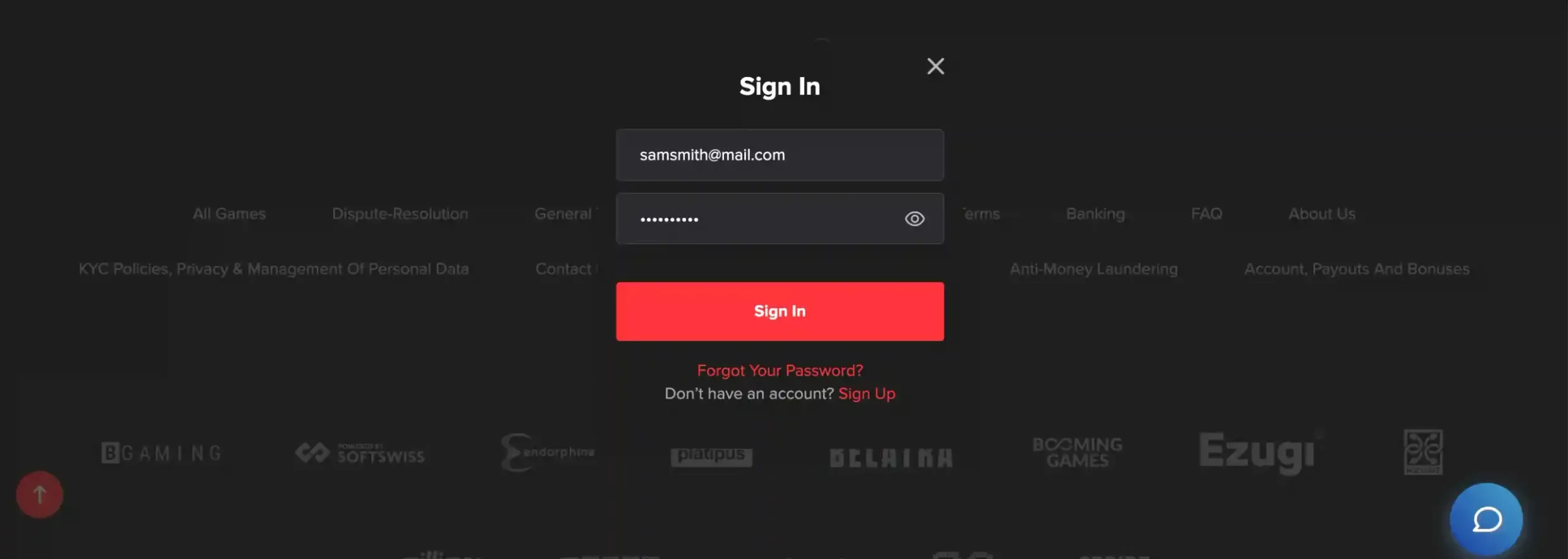
We keep the Casino Adrenaline account login simple on purpose. Use the email you registered with and your password, nothing extra. Click Login on our homepage, the sign-in window opens, you enter your details, and our system compares them with your profile in the database. In normal conditions it finishes in a few seconds.
If you tick the “remember device” box, we store an encrypted token on that device. With that token active you stay logged in on this device until you sign out yourself or stay inactive for 30 days. During every session, data moves over encrypted channels, in line with standard industry practice, so your credentials are not sent in plain text.
After five failed attempts in a row, our security rules trigger a temporary lockout. It is an automatic barrier against brute-force scripts. When that happens, you restore access by running a password reset through email or by reaching our support team to perform a manual unlock.
Password Recovery
If the password slips your mind, use the recovery link on the login page. Enter the email that is linked to your account and we email a reset link shortly after. This link stays valid for 24 hours and then closes. Inside that window you set a fresh password that fits our security rules: minimum eight characters with uppercase, lowercase, numbers and symbols combined.
The most frequent obstacles we see on login are:
- Typing errors in email or password
- Caps Lock turned on by accident
- Browser cache preventing the form from submitting
- Email not fully verified during registration
Browser choice and version affect stability more than people expect. We follow market practice and test mainly on current versions of Chrome, Firefox, Safari and Edge. Older builds sometimes break form elements. Clearing cookies and cache in the browser resolves a big part of random glitches.
Security Features
Two-factor authentication is available once you are inside your account. You can enable it in the security section so that every login needs both a password and a one-time code. Codes are generated either in an authenticator app or sent as SMS to the phone number stored in your profile.
Our security layer includes SSL encryption for all traffic, automatic sign-out after 15 minutes of inactivity, IP checks for suspicious patterns and device fingerprinting during login. We also block obviously weak passwords along with credentials that have appeared in known breach databases, following established standards in the industry.
Whenever your account is accessed from a device we have not seen before, we send a login notification by email. That email contains time, device type, browser data and an approximate IP-based location. It gives you a quick way to spot any access that does not look like yours.
Dashboard Navigation
Once you log in successfully, the main dashboard opens with your current balance in CAD, active bonuses, short game history and your VIP level. If you made crypto deposits earlier, your Bitcoin or other digital coin balances appear there as well, next to your fiat funds.
From the left or top navigation menu you move between key sections: the games library with filters for slots, table games and live dealer titles, the banking area for deposits and withdrawals, promotions for active offers, VIP club for status information, and account settings for personal data and security. Transaction history lists all movements of funds connected to your account.
Most games also support demo mode. You can flip between play for real money and demo credits using the toggle or selector in the game window, without needing any extra login steps inside the game.
VIP status at Casino Adrenaline starts automatically when you create an account. The dashboard tracks your tier, points you earned and what benefits are open. As your real-money activity grows, your rank gradually increases, influencing withdrawal limits, tailored offers and level of account management.
Managing Login Settings
Inside profile and security settings you can change contact data, adjust how we reach you and fine-tune protection level. When you update your email address, we ask for confirmation both on the old and the new email. Changing a phone number requires an SMS code before the new number becomes active.
To change your password, you first enter the current one. After that, the new password must follow the usual complexity rules. We also keep a 24-hour gap between full password changes. This helps reduce scenarios where an unauthorized person repeatedly switches passwords to block the real owner.
Session management shows where your account is currently active. You see device type, browser, approximate location and last activity time. With remote logout you can close other sessions at once if you signed in on a shared or public device and forgot to log out.
Communication preferences give you control over how often we send marketing content, bonus reminders and similar messages. You choose which promo categories you want to receive. At the same time, transactional and security emails, like password reset or login alerts, remain enabled for your protection.